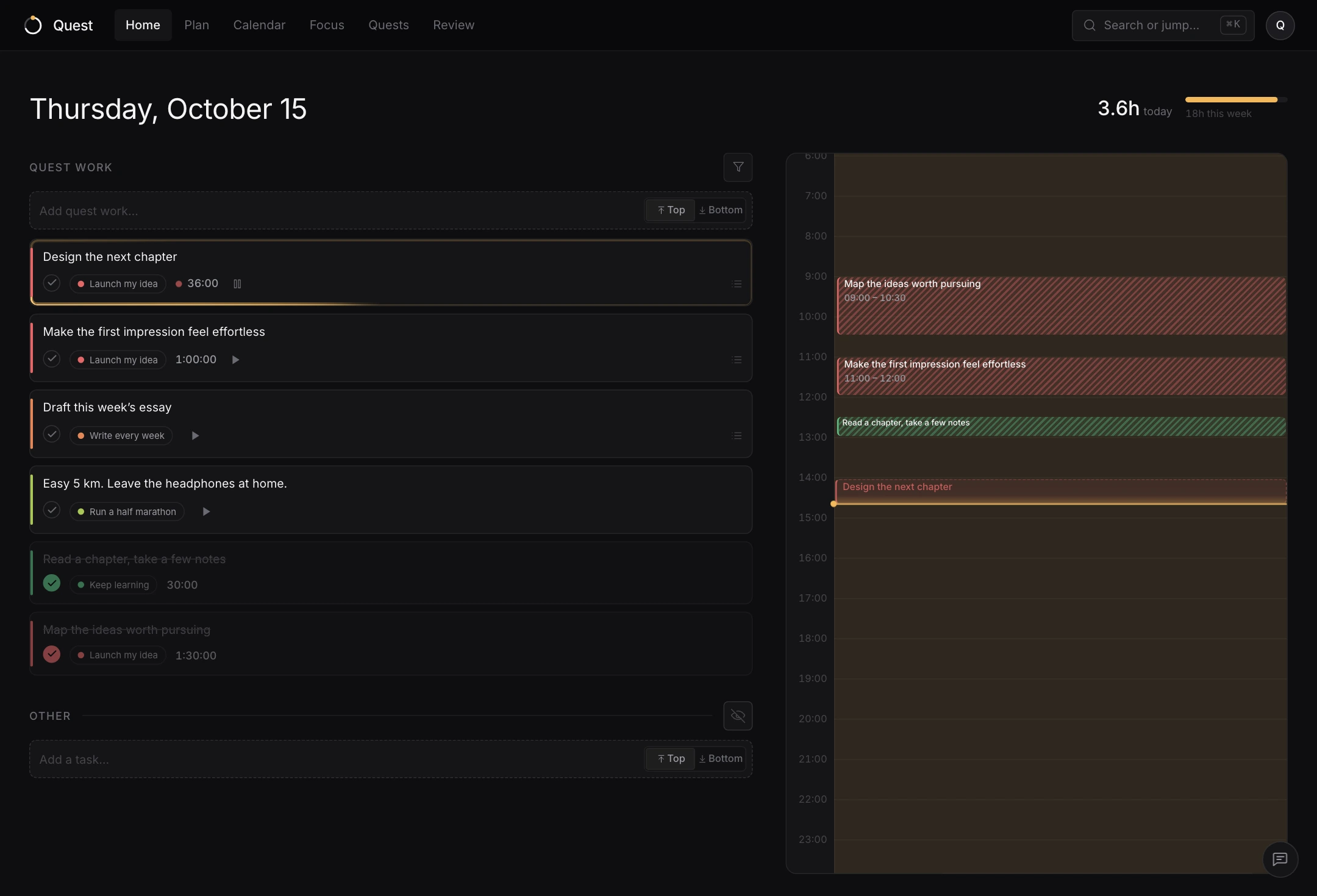
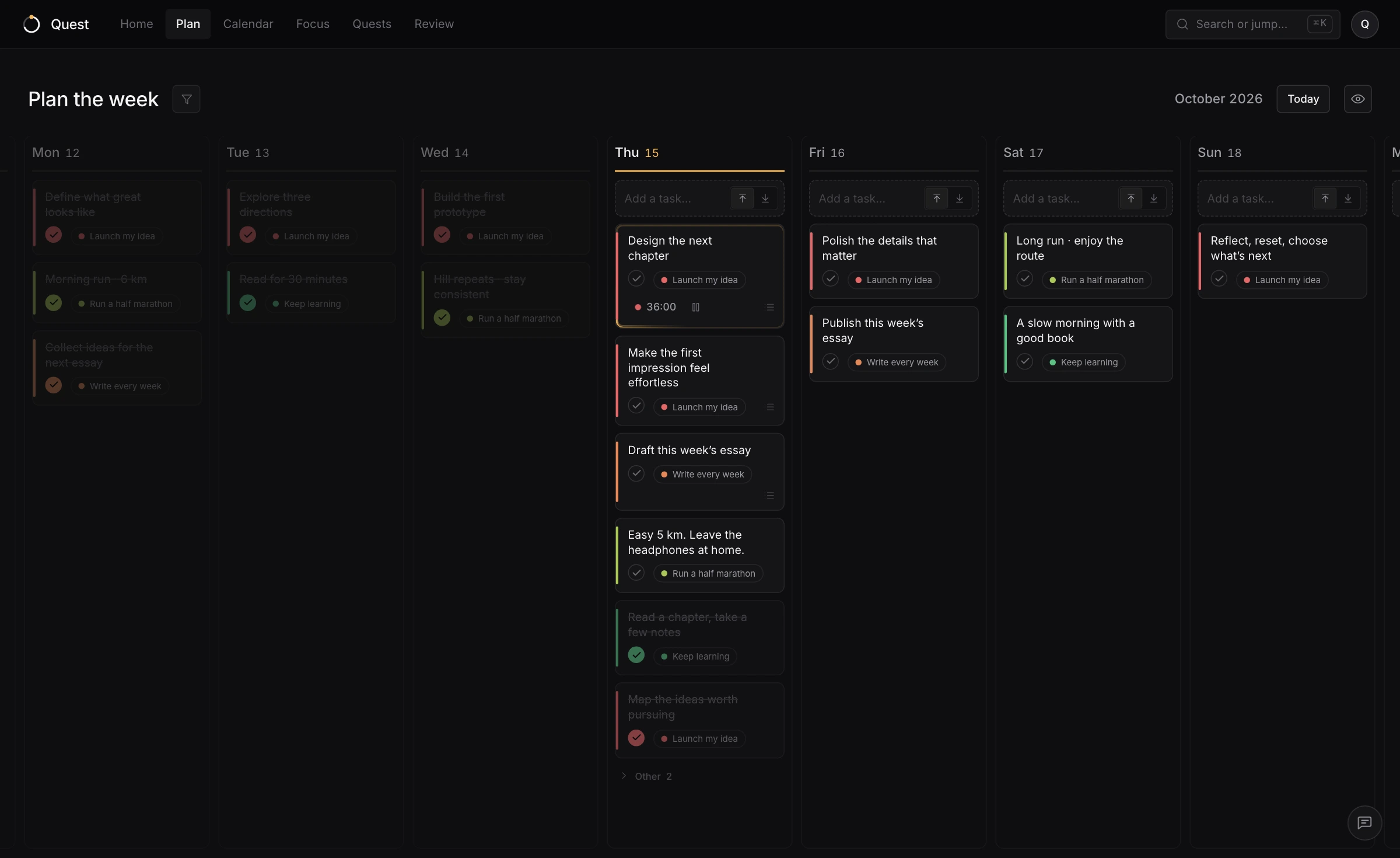
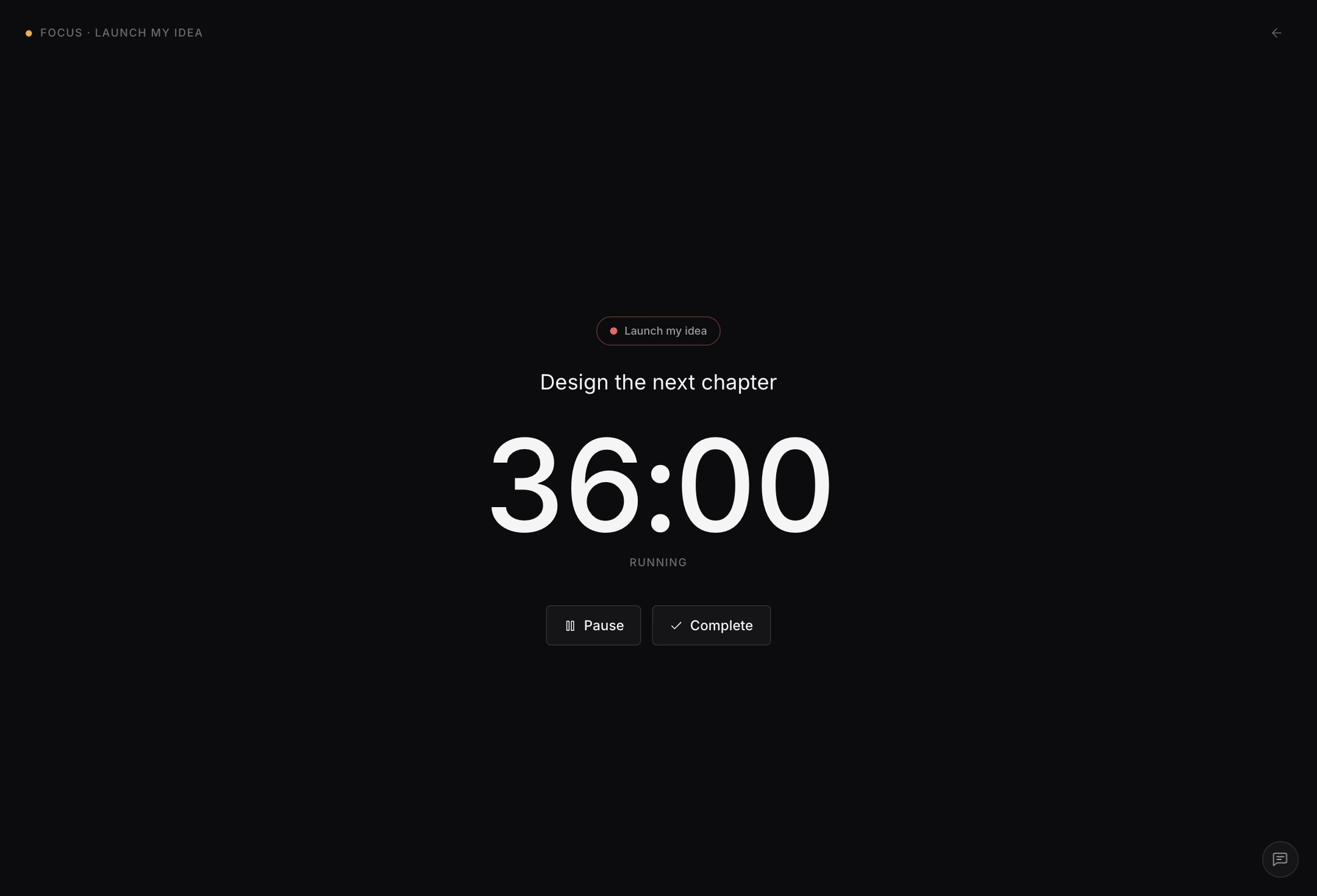
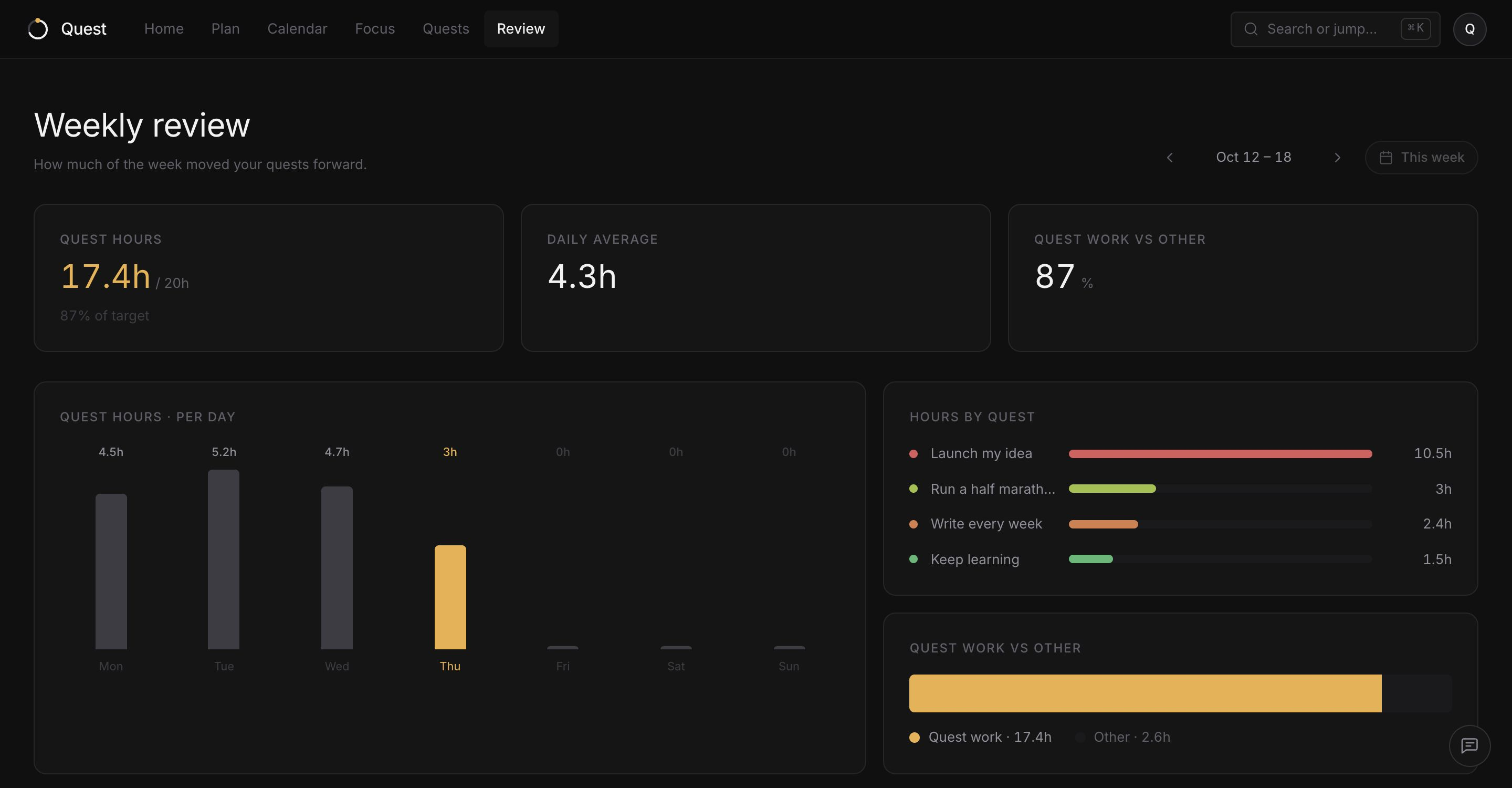
Your goals, close at handYour most important work, firstProgress you can actually see
MOVEMENT IS NOT PROGRESS.
A good day moves something forward.
It’s easy to fill a day. It’s harder to make time for the few tasks that change where you’re headed. Quest connects your goals to your daily plan, so your best hours go toward what matters.
Turn your priorities into progress.
THE QUEST HOUR
1 hour. A little closer.
An hour of tracked time linked to a quest is a quest hour. A simple way to see your effort adding up toward something meaningful.
Less counting tasks. More making progress.
A LITTLE MORE INTENTION
Give the right work your best hours.
The urgent will always ask for your attention. Give the important a place in your day.
Without Quest
Your day fills itself.
Today•••
09:00
Catch up on emails1h
10:00
Team status meeting1h
11:00
Invoices & admin2h
13:00
Another status meeting1h
14:00
Requests & follow-ups2h
16:00
Back to the inbox1h
A full calendar. The work you care about still waiting.
With Quest
3 major milestones reached.
Big project completed
First YouTube video published
New customer won
Time spent on what matters. Progress you can point to.
FROM SOMEDAY TO TODAY
Big ambitions. Small, deliberate steps.
Turn your goals into daily tasks, protect time for them, and see your progress.
Give your priorities a place.
Pick the task that will make the biggest difference to your quest. Put it in your daily plan before the small things fill the day.
One task. Your full attention.
Choose what matters now and start a focus session. Quest keeps track of the time, so you can stay with the work.
Know where your time went.
See how much of your week went toward your goals. Notice what moved forward and give it more room next week.
FEELS AS GOOD AS GETTING IT DONE
Lightning fast. Keyboard first.
The best tools feel like an extension of your hands. Capture an idea, find your focus, and check it off without breaking your stride.
Your everyday shortcuts.
New task
N
Focus view
F
Complete in focus
Ctrl / ⌘↵
Command menu
Ctrl / ⌘K
Local-first. Ready when you are.
Your tasks and plans stay available on your device. Once Quest is ready for offline use, keep planning and working without an internet connection.
Stay on the keyboard.
Add a task. Open focus. Mark it done. A few familiar keys keep you moving from thought to action.
A pleasure to use.
Calm screens, light and dark themes, and that satisfying tick when the work is done. Small details that make every day feel better.
THE IDEA BEHIND QUEST
At the end of the day, what did you make time for?
Quest is a place to turn that question into a daily practice. Try the beta in your real day, share what gets in the way, and help shape what comes next.
A quest is a long-term goal you care about: building a business, running a half marathon, or learning a new skill. Break it into daily tasks and track the time you invest, so you can see progress toward the bigger goal.
Is Quest free?
All current features are free during the beta, with no payment card required. Pricing after beta hasn’t been announced.
Will it work on my device?
Use Quest in a modern browser on macOS, Windows, or Linux. The full workspace is designed for a larger screen. Desktop downloads and their system requirements are listed on the download page. Desktop apps for macOS and Linux are available now.
Can I use Quest offline?
Yes. Once Quest has prepared its offline files, you can plan and track time offline. Sign-in, syncing, and updates need an internet connection. Browser storage is managed by your browser; sync keeps your account available on other devices.
What should I expect from the beta?
You’re joining a community of early adopters who get to shape Quest from the beginning. Work directly with Niklas, share your ideas, and help decide what comes next. Your everyday experience helps make Quest better for everyone.
How do I get started?
Join the beta, create your account, and start in the web app. Visit the downloads page to find a desktop app for a supported computer, then continue with the same account.